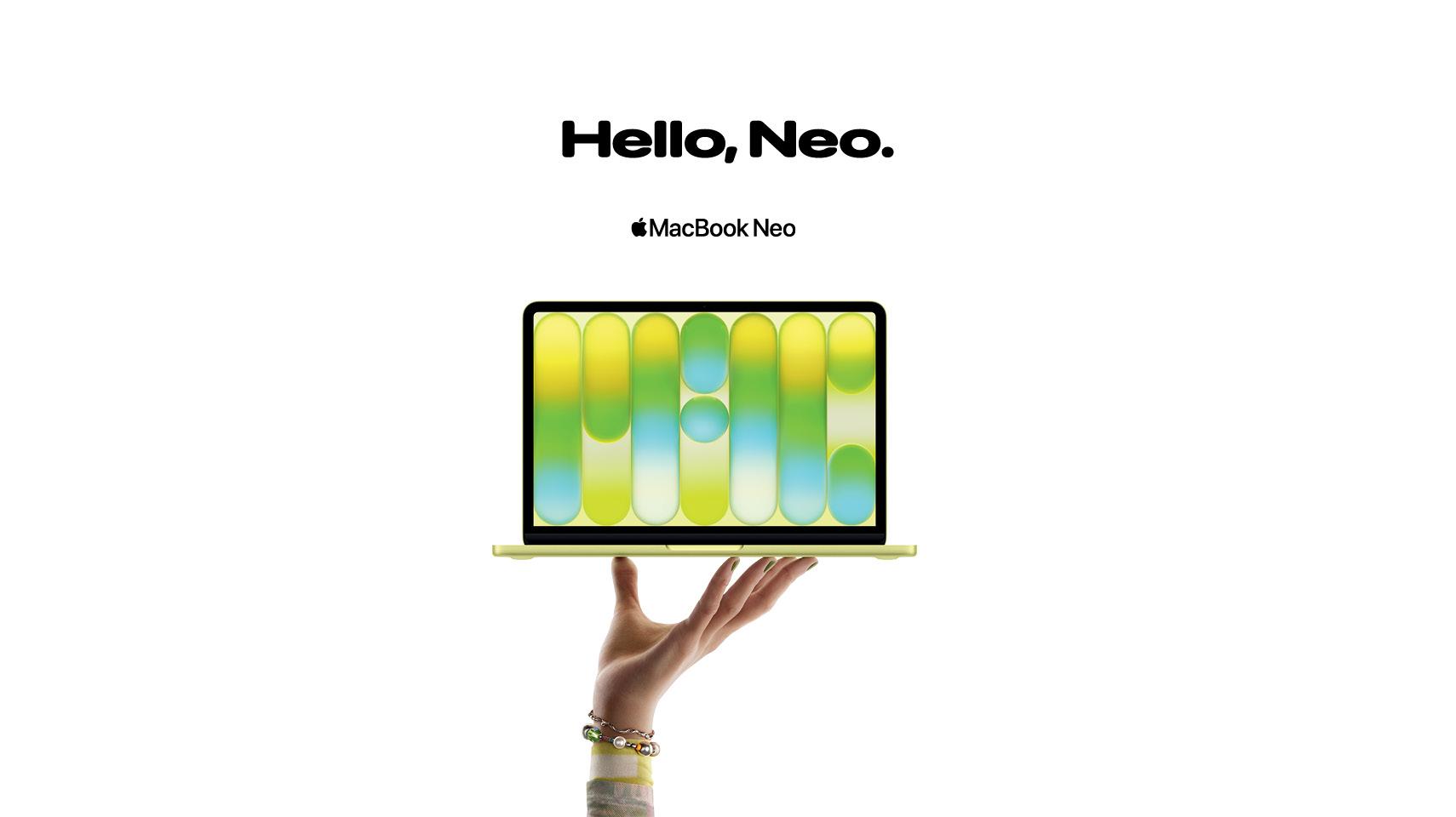
Whether you’re upgrading your laptop for college, buying your first laptop or just want to experience an Apple MacBook, Apple’s new MacBook Neo is a great choice. It’s sleek, lightweight, colourful and filled to the brim with first-class features.
In this TechTalk, we’ll introduce you the newest member of the MacBook lineup, delve into its features and compare the MacBook Neo with the Air and Pro. So, let’s get into it…
What is the MacBook Neo?
The MacBook Neo is the latest Mac to join the MacBook family. It’s slimline and the most affordable of the range, making it perfect for students. It comes in a variety of fun colours with a vibrant 13-inch Liquid Retina display and the durable and sturdy aluminium enclosure that is now a standard for Apple MacBooks. It has a powerful A18 Pro Chip with an all-day battery life and Apple Intelligence ready to go from the moment you unbox.

It runs the full macOS, which is simple and intuitive to use, especially if you’re an iPhone user already. Not to mention, the MacBook Neo becomes an extension of your iPhone where you can start taking notes on your phone and finish fleshing them out on your Mac.
MacBook Neo features
From its premium sustainable enclosure to its AI-enhanced productivity tools, the MacBook Neo has an abundance of features to enhance your day-to-day, be it studying, planning a holiday or everyday tasks.
Fun design
The MacBook Neo comes in four fun colours: Silver, Blush, Citrus and Indigo. It’s the most colourful lineup for a MacBook yet! The new colours make it easy to find your MacBook in your bag or in the library.

Great performance
For everyday tasks – research, note-taking, streaming and browsing – it can see you through the day without a hitch. The A18 Pro chip has all the power you need for everyday productivity task, studying and relaxing.
Long battery life
The battery life is seriously impressive with up to 16 hours from a single charge. That will get you from lectures and group projects to relaxing with your favourite show and catching up on notes.
Apple Intelligence
Apple Intelligence is AI that is centered around you. For students, it will become your best friend and study partner. It can summarise lecture notes, gather research for essays, help create presentations and make your study time more efficient. Visual Intelligence takes image search to a next level with Siri AI, Image Search and Look Up.

Added security
Whether you’re in college, work or at home, security is always top of mind. The MacBook Neo has a Lock Key with Touch ID so you can use your fingerprint to unlock your laptop, authorise payments and log into sites. It works with the Find My app if you lose track of it, you can easily pinpoint its location. It also has built-in antivirus, a secure Passwords app and powerful privacy features when you browse.
How it compares to other Apple MacBooks
MacBooks come in three different models: Neo, Air and Pro. Here are some of the key differences between the three models:
| Feature | MacBook Neo | MacBook Air | MacBook Pro |
|---|---|---|---|
| Starting price | €799 | €1,099 | €2,099 |
| Battery life | Up to 16hrs | Up to 18hrs | Up to 18-24hrs |
| RAM | 8GB | 16GB | 18GB |
| Best for | Notes, essays, lectures and browsing | Everyday work and moderate creative tasks | Video editing, coding, heavy multitasking |
Still trying to decide which MacBook is best suited to your college course? The MacBook Neo is fantastic for essay and presentation-heavy courses. If you’re doing creative courses that involve heavy-duty programs for coding, photo editing or video editing, then the MacBook Air or MacBook Pro which have more RAM would be a better fit.
FAQs
Does the MacBook Neo have a touch screen?
No, the MacBook Neo doesn’t have a touchscreen. It does have a Magic Keyboard for precise and comfortable typing – an essential for long essay writing sessions. It also has a large Multi-Touch trackpad that allows you to tap, pinch, swipe and click anywhere in the space.
Does the MacBook Neo have Touch ID?
Yes, the MacBook Neo has Touch ID at the top right of the keyboard. This allows you to easily unlock your MacBook Neo as well as sign in to websites and apps, make payments and download apps.
Can the MacBook Neo run games?
Yes, the MacBook Neo can run games. It works best with lighter titles and native macOS games.