Whether you’re going into your first year of college or heading back after a well-earned summer break, it is such an exciting time to form new connections and chase after your goals. And at the heart of it? Your laptop! Your most trusted sidekick for essay writing, lecture note taking, and of course, your Netflix breaks. Your laptop will be with you throughout every assignment and deadline, so choosing the right one is key! Here are 10 tips to keep in mind when making your purchase.
1. Know your course needs
Your degree can inform your laptop choice. If you are an arts student, you may require a lightweight, all-rounder device for writing essays and conducting research. If you are a creative or coding student, you will need heavy-duty specs to run demanding software, so you may need to spend more money upfront to ensure that you have the hard-working, long-lasting tech you need.
2. Choose your operating system
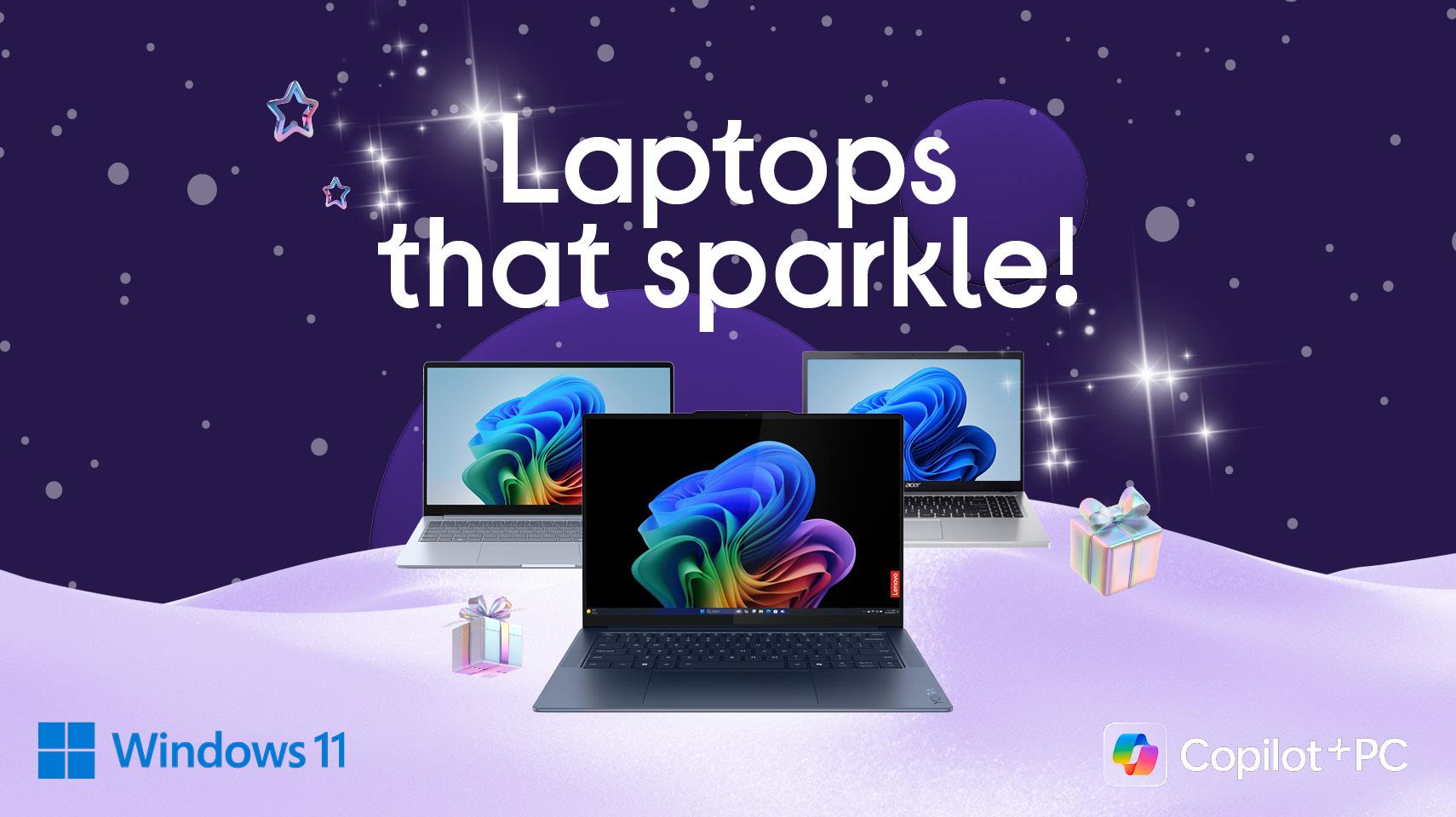
You may already have your preferred operating system by now. Windows is an incredibly user-friendly OS and Windows 11, the latest version, is packed with features that make it easy to get the most from your tech. macOS is Apple’s operating system, with an intuitive design and layout that’s easy to use. Chrome is a speedy web-based OS, where you use Google apps and store everything in the cloud.
It is important to check if your course has a specific operating system requirement, as they may use software that is only supported on one operating system. For example, if you will be using software such as InDesign in your course, then a Chromebook is not the right match for you.
3. Look for 8+ hours battery life
You will be using your laptop a lot, nearly every day. When prepping for an upcoming exam or nearing an assignment deadline, you will likely be using it all day, and the last thing you need is your laptop battery running out. We recommend that students choose a device with at least 8 hours battery life, so you can go from a morning lecture to your evening study session with ease.
The HP 15.6" Chromebook has up to 13 hours of battery, meaning less time scrambling for outlets and more time getting stuff done!
4. Know your laptop processor requirements
The processor is the brain of your laptop. From opening a program to loading a file, the processor makes it all happen. You’ll find Apple’s M4 chip on the latest MacBooks, offering a whole new level of performance.
For other laptops, the two best processor brands are Intel and AMD. Intel processors are very popular with gamers as they’re capable of serious speeds. AMD processors are popular with multi-media workers thanks to their larger number of cores, making them perfect for editing and multitasking.
5. Know your storage requirements
A laptop with 256GB of storage will give you plenty of room for photos, videos, games, apps and other files. If you’re a creative student or planning on using creative software, it might be worth going for 500GB or more to save those bigger files.
6. Make sure you have sufficient RAM
RAM stands for random-access memory, so more RAM means smoother, more efficient multitasking. 8GB is suitable for most students, but 16GB will give you breathing room if you run big programs and edit videos - or if you’re guilty of having multiple browser tabs on the go at once.
With 16 GB of RAM, the HP OmniBook 5 16" Laptop lets you run multiple apps and browser tabs at the same time.
7. Think portability
You will be carrying your laptop around a lot - between lectures, to the library, commuting to and from campus etc. The last thing you want is a heavy laptop weighing you down each day! If you’re constantly on the move, consider choosing a laptop under 4 lbs.
Weighing only 980g, you’d barely know the ASUS Zenbook is in your bag until it's time to get stuff done.
8. Be on the lookout for student discounts
You’ve come to the right place! We have all your back to college tech needs sorted. Grab a shiny new laptop and get free delivery, with an extra student discount of €100! T&C’s below. Find out more: Back to College | Currys
9. Keep your work protected
From essays to assignments, you will be working hard in college and don’t want to risk losing all that work. We recommend students use both a cloud service and an external drive, so you know for sure that your work is safe and backed up. For more information on Cloud backup options, check out: Why you need to start backing up your files to the Cloud | CurrysIE
10. Suit your study style
If you love taking notes and reading over them digitally, then a touchscreen 2-in-1 device like the LENOVO Yoga 7 14" 2 in 1 Laptop might be perfect for you! Spend your days creating presentations? Consider a bright, high-resolution display like to make your work shine.
Beginning your laptop search?
Check out our student laptops deals! For more help choosing the right laptop, check out our laptop buying guide. If you’d like to talk to an expert, visit one of our 16 stores.
*Student offer terms and conditions:
Free delivery on laptops: Free Delivery applies exclusively to purchase of Windows Laptops. Offer does not include Apple products, Chrome OS devices or Tablets. Promotion ends on 28th Oct 2025. Subject to availability, Terms and conditions apply.
Students save €100 extra: Ireland only. Valid for verified students with a valid student email address, student ID or Student learning portal account. Offer only available on Windows laptops over €899 for purchases made on currys.ie between 6th August 2025 – 23rd September 2025. Use discount code at checkout. Code cannot be used with other codes.